Introduction
A crypto wallet is the tool that gives you access to your digital assets. Without one, you cannot hold crypto outside of an exchange, interact with DeFi protocols, or sign transactions on any blockchain.
Understanding wallets is not optional if you plan to trade on decentralised exchanges, use DeFi applications, or simply hold crypto in a way where you — and not a centralised platform — are in control of your funds.
This page explains the fundamental differences between wallet types, what self-custody actually means, and gives practical examples of the most widely used wallets across browser, mobile and hardware categories.
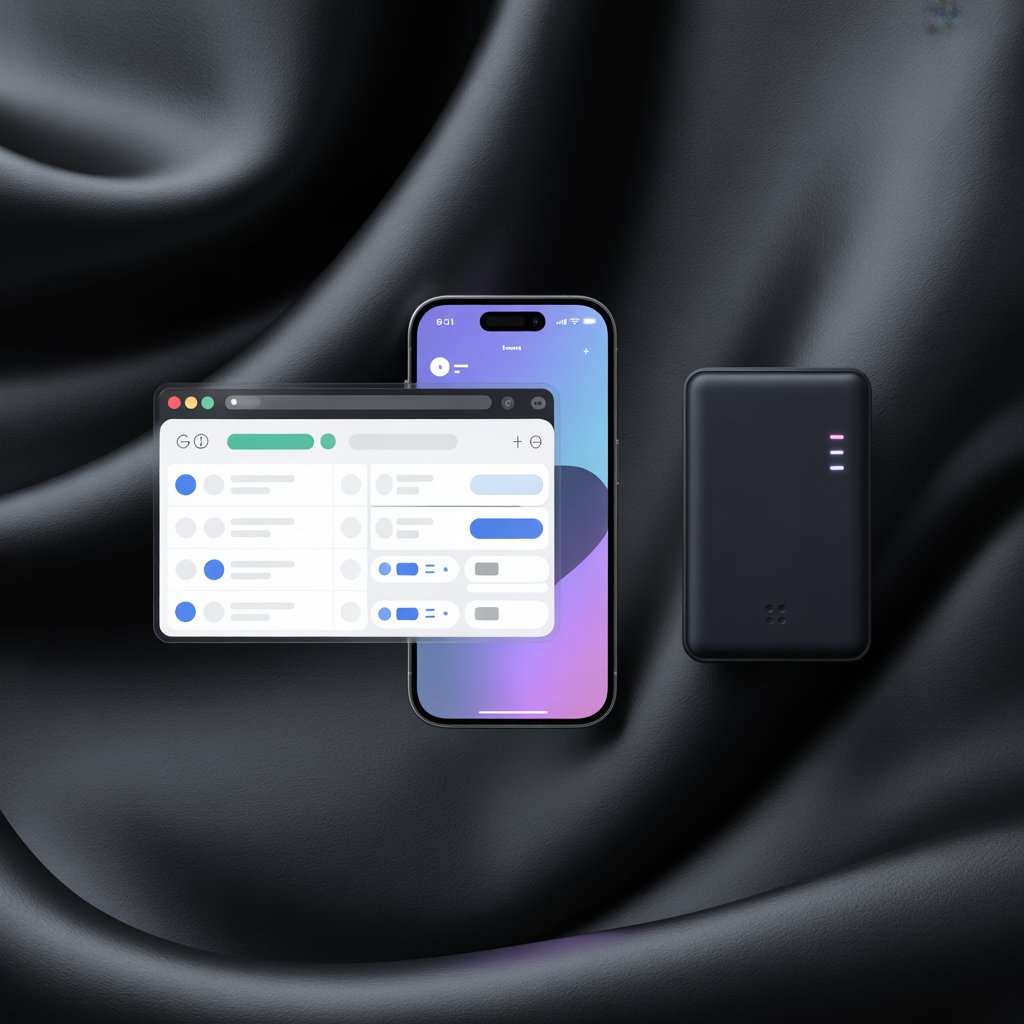
There are three main categories of crypto wallet — each suited to a different purpose and risk profile.
Browser extensions like MetaMask connect directly to DeFi protocols and decentralised exchanges. Fast and convenient, but exposed to browser-based attacks.
Mobile wallets give you on-the-go access to your assets and are the most practical option for everyday transactions and smaller holdings.
Hardware wallets store your private keys offline on a physical device. The gold standard for securing significant holdings — your keys never touch an internet-connected device.
The Most Important Concept: Custody
Before looking at specific wallets, one distinction matters more than anything else: who controls the private key.
Every crypto wallet is built around a private key — a long cryptographic secret that proves ownership of your assets. Whoever holds the private key controls the funds. There are no exceptions.
Custodial wallets — the exchange or service holds the private key on your behalf. You log in with a username and password, and trust the platform to keep your funds safe. Binance, Coinbase and most centralised exchanges work this way. Convenient, but you are exposed to exchange risk: if the platform is hacked, freezes withdrawals, or collapses (as FTX did in 2022), you may lose access to your funds.
Non-custodial wallets — you hold the private key yourself. No company can freeze your assets, deny a withdrawal, or lose your funds through their own failure. The tradeoff: if you lose your private key or seed phrase, there is no customer support to call. The responsibility is entirely yours.
The seed phrase (also called recovery phrase or mnemonic) is a sequence of 12 or 24 English words generated when you set up a non-custodial wallet. It is the master key. Anyone who has it can access your wallet from any device. Write it down on paper, store it securely, and never enter it online or share it with anyone.
| Feature | Custodial (Exchange) | Non-Custodial (Self-Custody) |
|---|---|---|
| Who holds the private key | The exchange | You |
| Recovery if lost | Reset password | Seed phrase only — no recovery without it |
| Exchange/platform risk | Yes | No |
| Access to DeFi | No | Yes |
| Ease of use | High | Medium |
| Examples | Binance, Coinbase, Bybit | MetaMask, Ledger, Tangem |
The Three Types of Non-Custodial Wallets
Non-custodial wallets come in three main forms, each with a different balance between convenience and security.
1. Browser Wallets (Hot Wallets)
Browser wallets are software extensions that run directly in your web browser. They are called ”hot” wallets because they are connected to the internet at all times. This makes them convenient for frequent interactions with DeFi applications and trading platforms — but it also means they are exposed to online threats such as phishing attacks and malicious websites.
Browser wallets are the standard for DeFi. When you visit a decentralised exchange, a lending protocol or an NFT marketplace, the site will ask you to connect your browser wallet. The wallet then signs transactions on your behalf, with your explicit approval for each action.
MetaMask
MetaMask is the most widely used browser wallet in the world, with over 30 million users. It is available as a Chrome, Firefox and Brave extension, and also as a mobile app.
MetaMask supports Ethereum and all EVM-compatible networks — Arbitrum, Optimism, Polygon, BNB Chain, Avalanche and many others. It does not natively support non-EVM chains such as Solana.
Best for: Ethereum and EVM-chain DeFi, beginners who want broad compatibility, users of protocols like Uniswap, Aave and GMX.
Key features: – Connects to thousands of DeFi applications – Built-in token swap functionality – Hardware wallet integration (Ledger, Trezor) – Customisable gas settings for advanced users
Watch out for: MetaMask is one of the most impersonated wallets in phishing attacks. Always install it directly from the official website and verify URLs carefully.
Phantom
Phantom is the leading wallet for the Solana ecosystem. It started as a Solana-only wallet but now also supports Ethereum, Polygon and Bitcoin.
It is known for a clean, beginner-friendly interface and deep integration with Solana’s DeFi and NFT ecosystem. If you trade on Solana-based DEXs or use Solana DeFi applications, Phantom is the standard choice.
Best for: Solana DeFi and NFT users, traders on platforms like Jupiter or Raydium.
Key features: – Native Solana support (SPL tokens, NFTs) – Multi-chain: Solana, Ethereum, Polygon, Bitcoin – Built-in token swap and staking – Clean mobile app alongside the browser extension
Rabby
Rabby (by DeBank) is a browser wallet designed specifically for experienced DeFi users. It is EVM-compatible and supports over 100 networks simultaneously — switching chains is automatic rather than manual.
What sets Rabby apart is its built-in security tooling. Before you sign any transaction, Rabby shows you a plain-language simulation of what the transaction will actually do — what tokens will leave your wallet, what you will receive, and whether the contract has been flagged as risky. This significantly reduces the risk of accidentally signing a malicious transaction.
Best for: Active DeFi users on multiple EVM chains who want better visibility into what they are signing.
Key features: – Automatic chain detection and switching – Pre-signing transaction simulation – Risk warnings for suspicious contracts – Supports all major EVM networks
2. Mobile Wallets
Mobile wallets are smartphone apps that store your private key on your phone. They offer a good balance between convenience and portability — you can manage funds, scan QR codes and interact with DeFi from anywhere.
Most major browser wallets also have mobile versions (MetaMask and Phantom both have strong mobile apps). Beyond those, dedicated mobile wallets offer features tailored for on-the-go use.
Tangem (described in detail below under hardware wallets) also functions as a mobile app — the app is the interface, with the card itself serving as the secure element.
Trust Wallet and Coinbase Wallet are two of the most widely used standalone mobile wallets, supporting hundreds of blockchains and built-in DeFi browser access.
Mobile wallets are hot wallets — your key is on a connected device. Use them for smaller amounts you actively trade with. For larger holdings, a hardware wallet is the appropriate choice.
3. Hardware Wallets (Cold Wallets)
Hardware wallets store your private key on a dedicated physical device that is never connected to the internet. Transactions are signed on the device itself and the key never leaves it — even if your computer is compromised, an attacker cannot access your funds.
Hardware wallets are called ”cold” wallets because they remain offline except during the brief moment of signing a transaction. They are the gold standard for securing significant amounts of crypto.
The tradeoff is convenience: you need the physical device present to approve transactions, which makes them less suitable for frequent trading but ideal for long-term storage and larger holdings.
Ledger
Ledger is the market leader in hardware wallets, with over 6 million devices sold. The flagship models are the Ledger Nano X (Bluetooth-enabled, works with mobile) and the Ledger Stax (touchscreen, card-sized form factor).
Ledger devices support over 5,500 coins and tokens across hundreds of blockchains. They connect to the Ledger Live desktop and mobile app for managing assets and interacting with DeFi applications.
Best for: Users who want the broadest multi-chain support and an established ecosystem with extensive third-party integrations.
Key features: – Supports Bitcoin, Ethereum, Solana, and 5,500+ other assets – Works with MetaMask, Rabby and other browser wallets for DeFi access – Ledger Live app for portfolio management – Bluetooth connectivity (Nano X) for mobile use
Note: In 2023, Ledger introduced a controversial ”Recover” feature that optionally backs up the seed phrase via an encrypted service. This is opt-in and does not affect standard use, but it is worth understanding before purchasing.
Trezor
Trezor was the first hardware wallet, launched in 2014, and remains one of the most trusted in the industry. The Trezor Model T features a colour touchscreen; the Trezor Safe 5 is the current flagship.
A key differentiator: Trezor’s firmware is fully open source, meaning the code that runs on the device can be independently audited by anyone. For security-conscious users, this is a significant advantage.
Trezor supports Bitcoin, Ethereum and most major assets, and integrates with MetaMask and Rabby for DeFi access. It does not natively support some networks (notably Solana on older models) — check compatibility for your specific assets before purchasing.
Best for: Security-first users who prioritise open-source firmware and a long track record.
Key features: – Open-source firmware (fully auditable) – Supports BTC, ETH, and most major assets – Trezor Suite desktop and web app – No Bluetooth — USB only (some consider this a security advantage)
Tangem
Tangem takes a different approach to hardware security. Instead of a USB device with a screen, Tangem wallets are credit card-sized NFC cards. The private key is generated and stored directly on a chip embedded in the card — it never leaves the card and cannot be extracted even by Tangem.
The user experience is unusually simple: tap the card to your phone, and the Tangem mobile app handles everything else. There is no seed phrase to write down — instead, Tangem issues a set of two or three cards that serve as backups for each other.
This is a deliberate design choice. Seed phrases are one of the most common points of failure in crypto security: people photograph them, store them in cloud notes, or simply lose them. Tangem eliminates the seed phrase entirely, replacing it with physical card backups.
Best for: Users who want hardware-level security without the complexity of seed phrase management; beginners moving from custodial to self-custody for the first time; people who want a genuinely portable cold wallet.
Key features: – NFC card — tap to sign with your phone, no USB needed – No seed phrase — security relies on physical card backups – Supports Bitcoin, Ethereum, Solana and 6,000+ assets – Cards are IP68 waterproof and rated for 50+ years – Tangem mobile app (iOS and Android) – Competitively priced (typically sold in sets of 2–3 cards)
Watch out for: Because there is no seed phrase, losing all your backup cards simultaneously means permanent loss of access. The multi-card setup is the safety mechanism — treat the backup cards as seriously as you would a seed phrase.
| Feature | Ledger Nano X / Stax | Trezor Safe 5 | Tangem (3-card set) |
|---|---|---|---|
| Form factor | USB device | USB device | NFC card |
| Connection | USB + Bluetooth | USB only | NFC (phone) |
| Seed phrase | Yes (24 words) | Yes (12/24 words) | No (card backups) |
| Open source firmware | Partial | Yes (fully) | Partial |
| Supported assets | 5,500+ | 8,000+ | 6,000+ |
| Solana support | Yes | Limited | Yes |
| DeFi integration | Via MetaMask/Rabby | Via MetaMask/Rabby | Via Tangem app |
| Price (approx.) | €79–€279 | €79–€169 | €55–€80 (3 cards) |
| Best for | Broad compatibility | Open-source security | Simplicity, portability |
Which Wallet for Which Situation
For active DeFi trading on Ethereum / EVM chains: MetaMask or Rabby as your browser wallet, with a Ledger or Trezor connected for signing larger transactions.
For Solana DeFi: Phantom wallet — no other browser wallet competes on Solana.
For long-term storage of significant holdings: A hardware wallet (Ledger, Trezor or Tangem) with your seed phrase stored securely offline. The hardware wallet should not be used for day-to-day DeFi interactions.
For beginners moving from exchange to self-custody for the first time: Tangem is the lowest-friction option — no seed phrase setup, simple card-tap interaction, and hardware-level security from day one.
For maximum security with technical comfort: Trezor, for its open-source firmware and long track record.
Practical Security Rules
Regardless of which wallet you choose, these rules apply:
- Never photograph your seed phrase. Not on your phone, not in cloud storage, not in an email. Paper only.
- Never enter your seed phrase online. No legitimate website, wallet, or support team will ever ask for it.
- Verify the URL. Phishing sites impersonate MetaMask, Phantom and hardware wallet brands. Bookmark legitimate sites and use only those.
- Use separate wallets for different risk levels. A ”hot” browser wallet for active DeFi trading, a hardware wallet for long-term holdings.
- Test with small amounts first. Before moving significant funds, always test a send and receive with a small amount to verify everything works as expected.
Key Takeaways
- A crypto wallet stores your private key — whoever controls the key controls the funds
- Custodial wallets (exchanges) are convenient but expose you to platform risk; non-custodial wallets give you full control
- Browser wallets (MetaMask, Phantom, Rabby) are essential for DeFi — they connect to applications and sign transactions
- Hardware wallets (Ledger, Trezor, Tangem) keep your private key offline and are the right choice for securing significant holdings
- Tangem offers a seed-phrase-free hardware security model via NFC cards — an accessible entry point for those new to self-custody
- Never store your seed phrase digitally, and always verify URLs before connecting your wallet
For a guide to using wallets in DeFi trading and connecting to decentralised exchanges, see our Perpetual Trading page. For building applications that interact with wallets programmatically, see our Build Your Own Trading Application page.